Funime
App-Controlled G-Spot Vibrator
App-Controlled G-Spot Vibrator
Couldn't load pickup availability
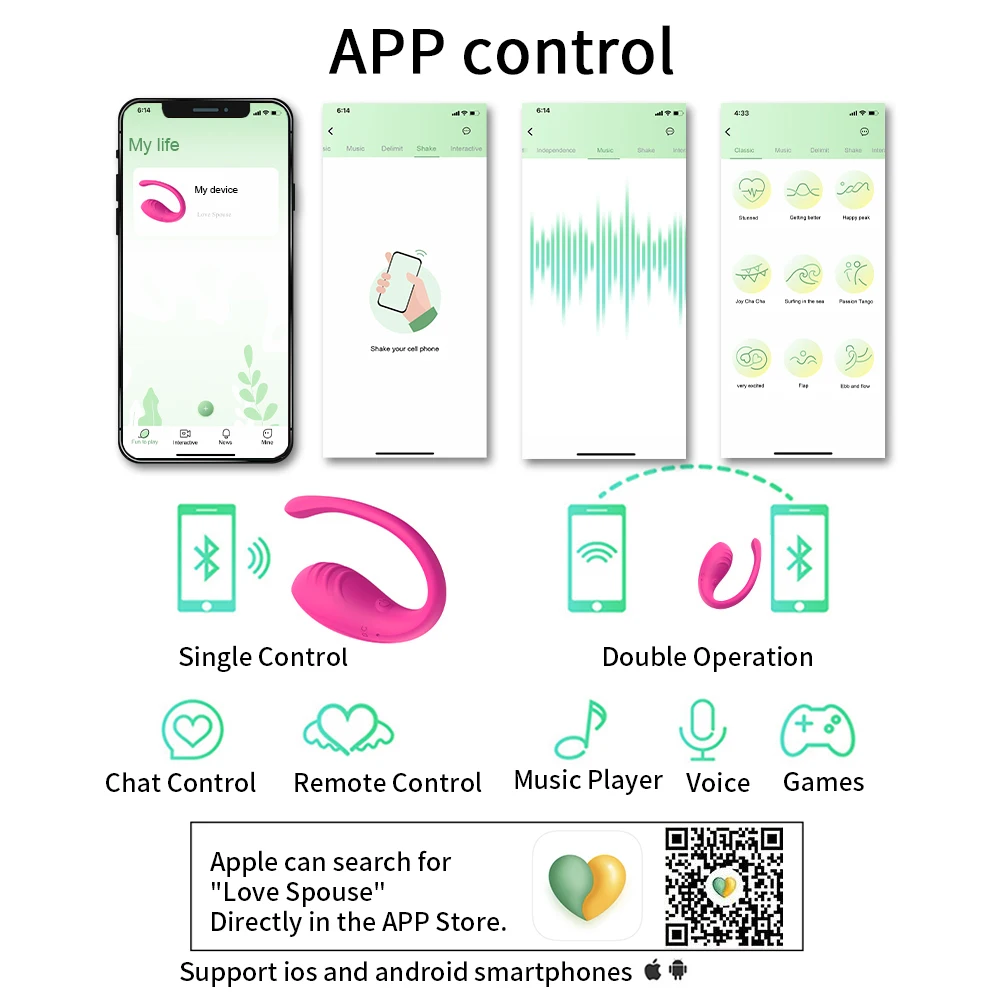
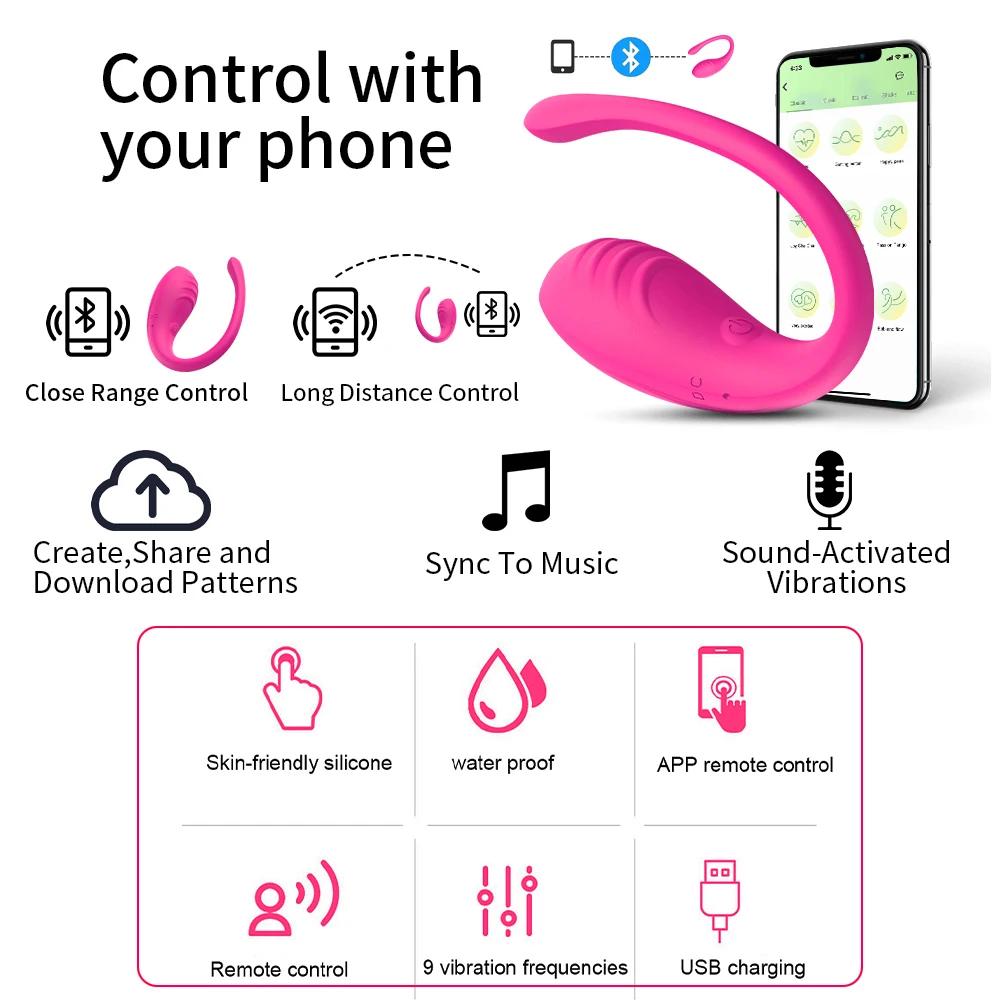
A powerful app or remote-controlled G-spot vibrator — connect via Bluetooth, control from anywhere, and share the experience with a partner across any distance.
- 📱 App-controlled via Bluetooth — iOS & Android, long-distance ready
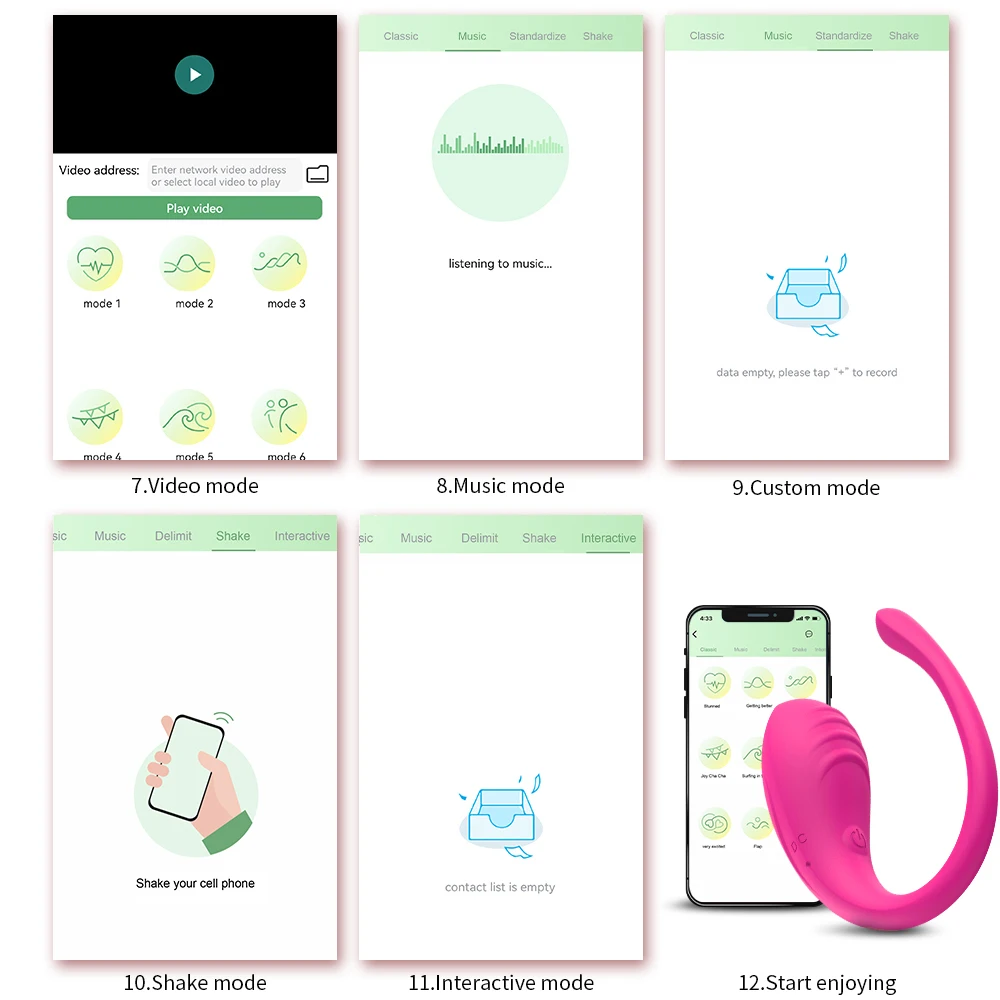
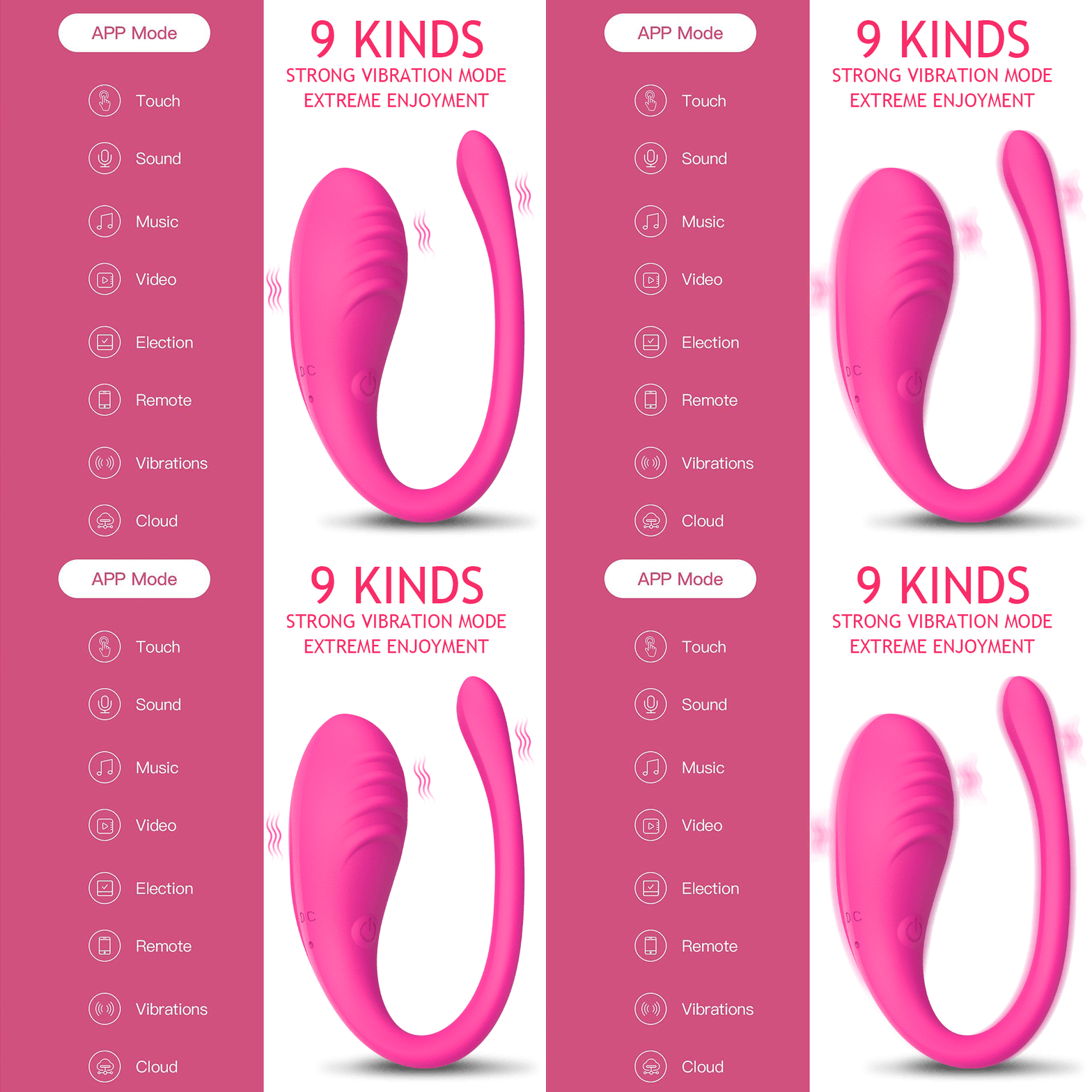
- 🎵 4 app modes — Classic, Music, Shake & Interactive (partner control)
- 🖕 G-spot targeted — powerful vibrations with one-button control
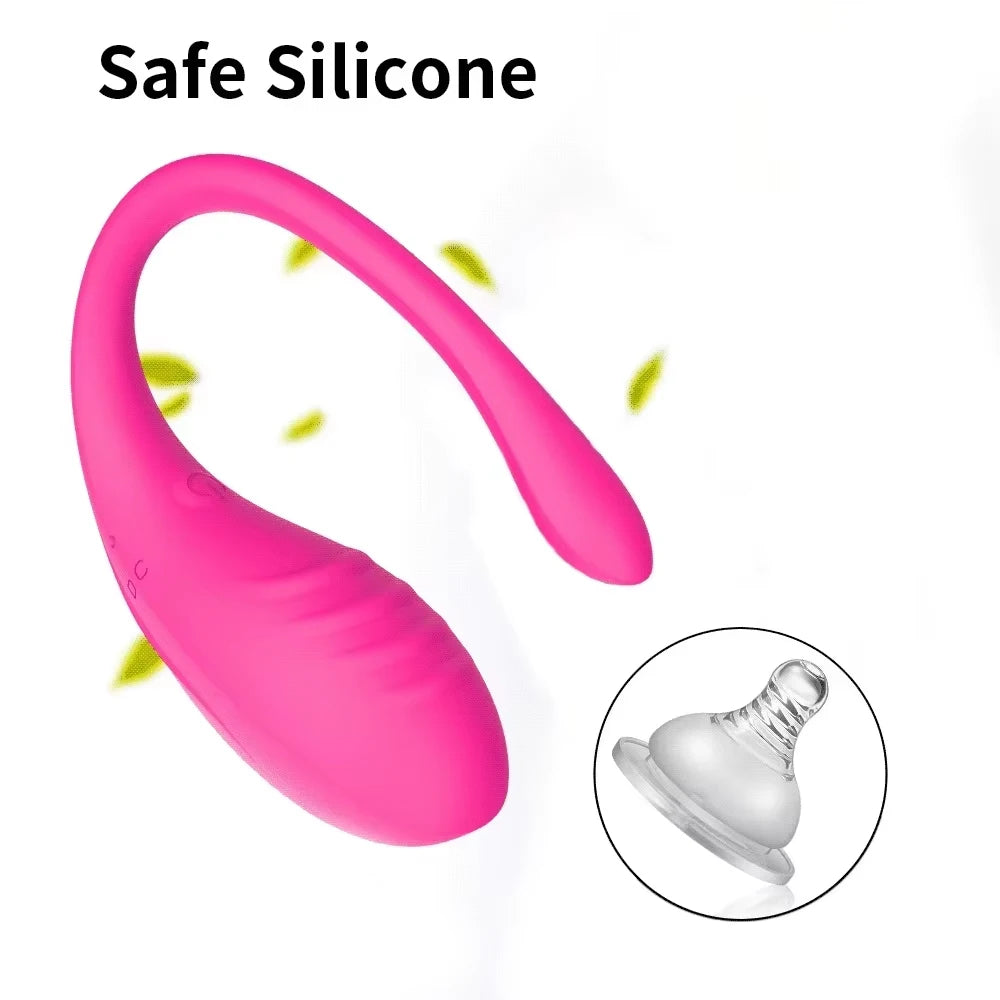
- ✅ Medical-grade silicone — soft, quiet, body-safe & skin-friendly
- 🎨 2 colors — Purple & Pink
- 📦 Discreet packaging — unmarked, confidential delivery
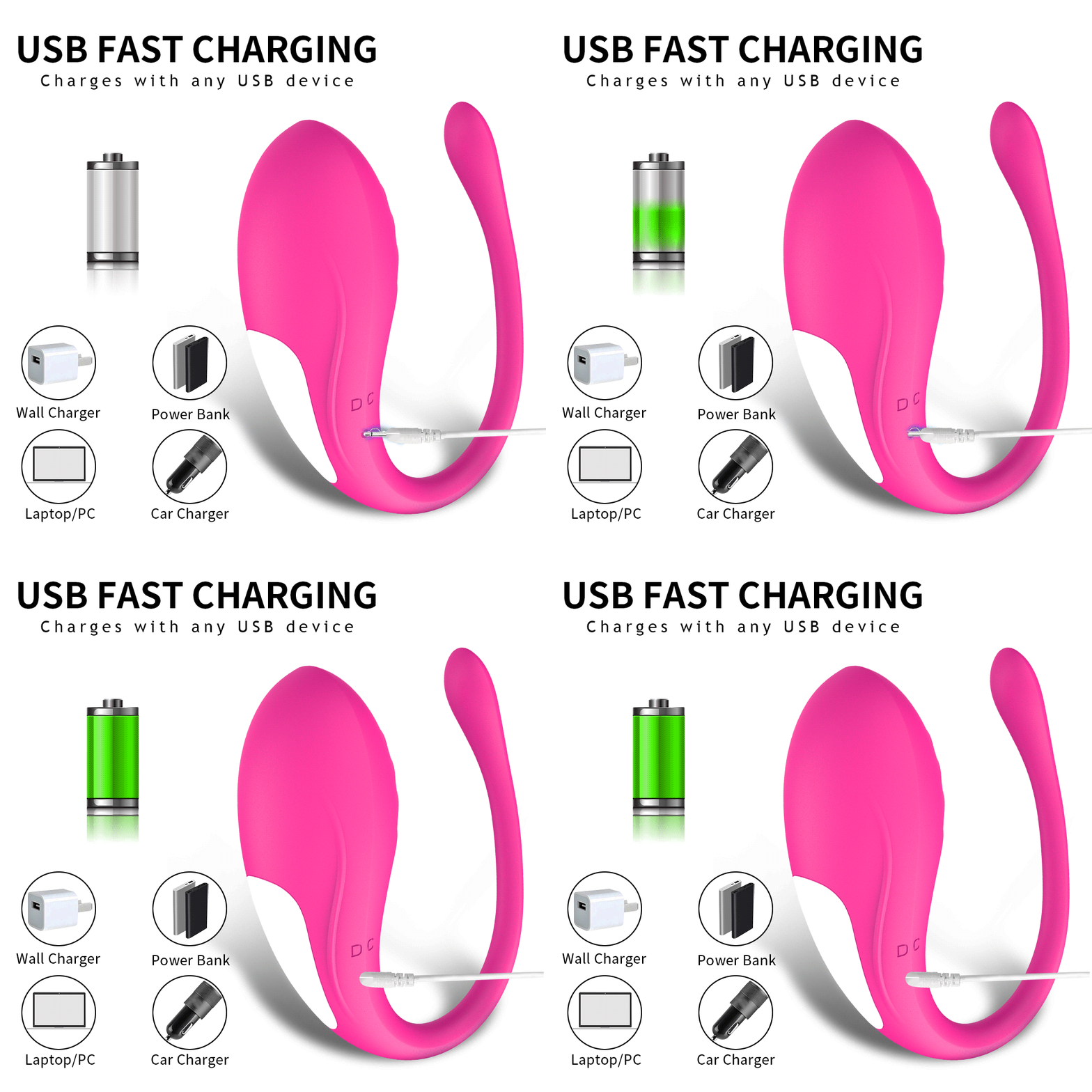
Note: Do not turn on while charging. For safety reasons, the device cannot be used during charging.

App Name: Love Spouse
App Connection Guide
iOS System
① Search for "Love Spouse" in the App Store, download and install.
② Scan the QR code with your mobile phone and follow the instructions to download and install "Love Spouse" APP.
Android System
③ Search for "Love Spouse" in Google Play, download and install.
④ Scan the QR code with your mobile phone and follow the instructions to download and install "Love Spouse" APP.
Device Connection And Control
① Make sure Bluetooth is turned on.
② Open the "Love Spouse" APP.
③ Login via "Visitors login" or "New user" — select "New user" for more operation modes.
New User
① Click "+", the device binding scan box will appear.
② Scan the QR code or enter equipment code "0887" — device must be turned on when binding.
Partner Control
① Ask your partner to download "Love Spouse" and register.
② Click my device, choose Interactive mode, add and search your partner as friend, then ask them to accept it.
③ Click my device, choose Interactive mode, invite your partner to control the device.